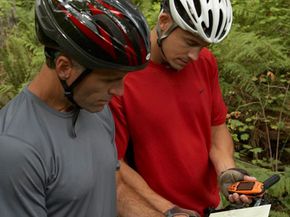
You could let your heart be your guide. But when you're hiking through unfamiliar wilderness, a GPS receiver is probably a better lead. This magical little device provides its user with four main things: location, distance and directional information, tracking and route creation. With this information, hikers and travelers learn where they are and, more importantly, how to reach where they want to go. The information provided by the GPS system is constantly updated, which helps you to stay on track.
Between 24 and 32 satellites orbit the Earth, and these satellites provide the answer to the GPS receiver's aching question, "Where am I?" The satellites calculate this through a process called trilateration. Receivers lock signals with several different satellites orbiting the Earth, and based on the time it took those signals to reach the different satellites, a calculation is made about the receiver's location on Earth. Long story short, you look down at your receiver and see exactly where you are on a digital map.
Advertisement
It wasn't that long ago that GPS technology was used only by the military. But in recent years, that has changed dramatically. Receivers are now very affordable. For less than the cost of a quality tent and not much more than a pair of sturdy hiking books, outdoor enthusiasts can find a functional GPS that floats, is waterproof and is durable enough to withstand the rigors of a rough trail.
Although GPS receivers are affordable, many consumers still wonder if they have the skill to use one. When you consider that the GPS must send a signal to satellites orbiting the Earth, wait to receive a signal back, and then convert that signal to not only your location but the speed at which you're traveling and how long it will take you to reach a particular destination, the gadget can seem pretty fantastical and intimidating. But the truth is, the receiver does the bulk of the work itself. If you can navigate by map and compass, reading a GPS will be an easy skill for you to learn. Let's get started.
Advertisement